Git Merge vs Rebase Cheat Sheet: Printable Command Guide
Every Git developer eventually faces the merge-versus-rebase fork in the road, and guessing wrong rewrites history you cannot get back. Merge keeps the truth — every commit exactly as it happened, branch points and all. Rebase tells a cleaner story — your work replayed in a straight line on top of the latest main. Both are correct, but in different places: merge belongs on shared branches where history is a team record, rebase belongs on private branches before a pull request where readability wins. This printable cheat sheet puts the two side by side: what each does to history, the exact commands, how conflicts resolve, and the golden rule that keeps both safe. Consult the live reference table below before your next feature branch, or print the sheet below and keep it by your terminal.
Quick-Reference Table
The full data from this cheat sheet, right on the page.
| Topic | Merge | Rebase |
|---|---|---|
| What it does | Joins two branch histories with a merge commit | Replays your commits onto the target branch tip |
| History shape | True history — branchy, every commit kept | Linear history — reads as one straight line |
| Update a feature branch | git merge main | git rebase main |
| Finish a feature | Merge the branch into main | Rebase onto main, then fast-forward merge |
| Resolve conflicts | Fix files, stage, git commit | Fix files, stage, git rebase --continue |
| Abort midway | git merge --abort | git rebase --abort |
| Pull updates | git pull (merges by default) | git pull --rebase |
| Push after rewriting | Normal push works | git push --force-with-lease |
| Edit old commits | Not available | git rebase -i HEAD~3 (squash, reword, drop) |
| Golden rule | Safe on shared branches | Never rebase commits others have pulled |
| Best for | Public branches and team collaboration | Private branches before a pull request |
| Readability | Shows exactly what happened | Clean story, hides the trial and error |
How to Use This Chart
Pin this chart where you work: it packs 12 entries and 3 columns (Topic, Merge, Rebase) into one printable page, built for quick lookups.
Scan down the Topic column to your item, then read across for Merge, Rebase.
Example: for What it does, the chart gives Merge of Joins two branch histories with a merge commit.
- Compare values down a single column to spot the pattern before you commit to a choice.
- When two rows look close, the last column usually breaks the tie.
- Print it once and keep it where you work — that's the whole point of a cheat sheet.
💡 Quick Tips
Rebase Before the Pull Request: Clean your private branch with git rebase -i so reviewers read a tidy story, not your debugging trail.
Force-With-Lease, Never Force: git push --force-with-lease refuses to overwrite if a teammate pushed first — plain --force does not.
Merge on Shared Branches: On main and team branches, always merge. Shared history is a team record — keep it honest.
Frequently Asked Questions
When should I use git rebase instead of merge?
Rebase your private feature branch before opening a pull request — it produces a clean, linear history that reviewers can follow. Use merge on shared branches like main, where the true history is a team record nobody should rewrite.
Is git rebase dangerous?
Only on shared history. Rebasing commits that others have already pulled forces everyone to fix their branches. On your own unpushed branch, rebase is completely safe — abort anytime with git rebase --abort.
What is the difference between git pull and git pull --rebase?
Plain git pull merges the remote branch into yours, adding a merge commit. git pull --rebase replays your local commits on top of the remote ones instead, keeping a clean line. Many teams set pull.rebase true as the default.
Printable Sheet Preview
High-Contrast Layout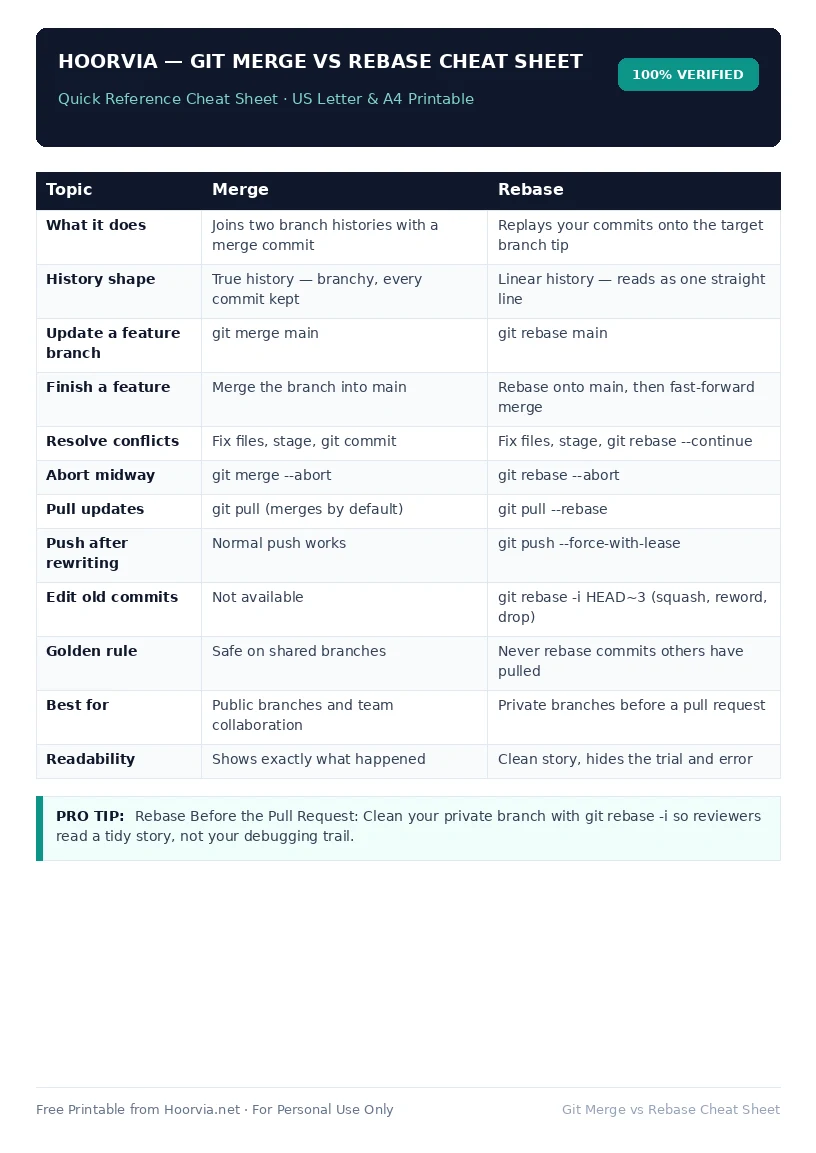
Download Your Free Printable Sheet
Download the printable PDF below. It is the same sheet shown in the preview above, ready to print on US Letter or A4 — open it and choose Print, with Scale set to Fit to Page.
💡 Pro Printing Tip: In your printer settings, set Scale to “Fit to Printable Area” and enable “Background Graphics” for color headers.