Notion Formula 2.0 Syntax: Printable Function Cheat Sheet
Notion formulas 2.0 turn a database from a static list into a live dashboard — due dates that flag themselves overdue, full names assembled from parts, prices rounded and taxed automatically. But the syntax is unforgiving: arguments in the wrong order, a missing quote around a unit like "days", or a number where the formula expects text, and the whole cell throws a type mismatch. The official docs spread every function across dozens of pages. This printable cheat sheet gathers the twelve formulas you will actually use — dateAdd, dateBetween, formatDate, if, contains, concat, empty, length, round, and more — each with copy-ready syntax, a plain-English explanation, and a real example you can paste into your formula property. Consult the live reference table below while you build, or print the sheet below for your desk — correct syntax on the first try beats debugging error messages.
Quick-Reference Table
The full data from this cheat sheet, right on the page.
| Function | Syntax | What It Does | Example |
|---|---|---|---|
| now | now() | Returns the current date and time | now() |
| dateAdd | dateAdd(date, number, "unit") | Adds time to a date; units: years, quarters, months, weeks, days, hours, minutes | dateAdd(prop("Due"), 7, "days") |
| dateSubtract | dateSubtract(date, number, "unit") | Subtracts time from a date with the same units | dateSubtract(now(), 1, "months") |
| dateBetween | dateBetween(date1, date2, "unit") | Difference between two dates in the chosen units | dateBetween(prop("Due"), now(), "days") |
| formatDate | formatDate(date, "pattern") | Formats a date as text using Moment.js patterns | formatDate(prop("Due"), "MMMM D, YYYY") |
| month / day / year | month(date) / day(date) / year(date) | Extracts one part of a date as a number | month(prop("Birthday")) |
| if | if(condition, ifTrue, ifFalse) | Returns one value when true, another when false | if(prop("Done") == true, "Complete", "Pending") |
| contains | contains(text, search) | Checks whether the text contains the search string | contains(prop("Status"), "Done") |
| concat | concat(text1, text2, ...) | Joins multiple text strings into one | concat(prop("First"), " ", prop("Last")) |
| empty | empty(value) | Checks whether a value is empty or missing | if(empty(prop("Name")), "Add a name", prop("Name")) |
| length | length(text) | Counts the characters in a text string | length(prop("Title")) |
| round / ceil / floor | round(number) | Rounds a number to the nearest integer | round(prop("Price") * 1.08) |
How to Use This Chart
Pin this chart where you work: it packs 12 entries and 4 columns (Function, Syntax, What It Does, Example) into one printable page, built for quick lookups.
Scan down the Function column to your item, then read across for Syntax, What It Does, Example.
Example: for now, the chart gives Syntax of now().
- Compare values down a single column to spot the pattern before you commit to a choice.
- When two rows look close, the last column usually breaks the tie.
- Print it once and keep it where you work — that's the whole point of a cheat sheet.
💡 Quick Tips
Mind the Types: Dates, numbers and text don't mix — wrap values with toNumber() or formatDate() before combining them.
Test in a Scratch Property: Build tricky formulas somewhere throwaway first, then paste the working version over.
Copy the Examples: Every function on the chart has a working example — adapt it to your names instead of starting from scratch.
Frequently Asked Questions
Why does my Notion formula show a type mismatch error?
Type mismatch is the most common Notion error: it means a function got the wrong data type, like a date where text was expected or text where a number belongs. Fix it by matching each argument to the documented type, and use format() or toNumber() to convert between types.
What is the difference between Notion formulas 1.0 and 2.0?
Formulas 2.0 (released in 2023) brought a proper editor with multi-line support, syntax highlighting, and autocomplete, plus more typed functions. Old 1.0 formulas still run, but 2.0 syntax is stricter about data types — which is why copying a 1.0 formula into a 2.0 property sometimes throws errors.
How do I show days remaining until a deadline in Notion?
Use dateBetween() with now(): dateBetween(prop("Due"), now(), "days") returns a number — positive before the deadline, negative when overdue. Wrap it in an if() to add a label, like if(dateBetween(prop("Due"), now(), "days") < 0, "Overdue", "On track").
Printable Sheet Preview
High-Contrast Layout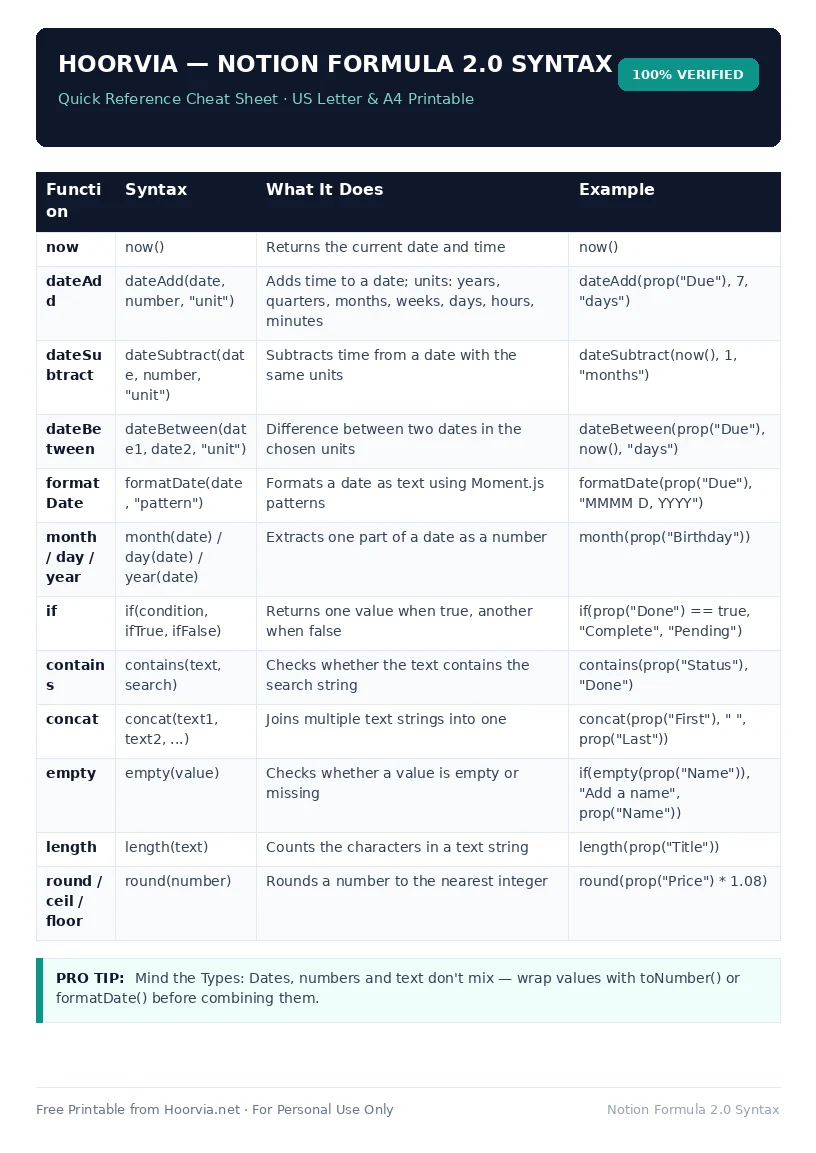
Download Your Free Printable Sheet
Download the printable PDF below. It is the same sheet shown in the preview above, ready to print on US Letter or A4 — open it and choose Print, with Scale set to Fit to Page.
💡 Pro Printing Tip: In your printer settings, set Scale to “Fit to Printable Area” and enable “Background Graphics” for color headers.