Cooking Oil Smoke Point Chart: Printable High-Heat Cooking Guide
Cooking with the wrong oil at the wrong heat is the fastest way to fill a kitchen with smoke and ruin a meal's flavor before it starts. Every oil has a smoke point — the temperature where it stops shimmering and starts breaking down — and that point decides whether it sears, fries, or just burns. Refined avocado oil holds past 500°F, while toasted sesame oil gives up near 350°F; treat them the same and dinner pays the price. Guessing also wastes money, since a scorched pan of good extra-virgin olive oil becomes acrid and useless. This printable chart lists 12 common cooking oils and fats with their smoke points in Fahrenheit and Celsius, flavor notes, and the cooking methods each suits best. Consult the live reference table below before the pan hits the heat, or print the sheet and tape it inside a cabinet door.
Quick-Reference Table
The full data from this cheat sheet, right on the page.
| Cooking Oil / Fat | Smoke Point (°F / °C) | Flavor | Best Uses |
|---|---|---|---|
| Refined Avocado Oil | 520 / 271 | Mild, buttery | Searing, deep-frying, stir-frying |
| Safflower Oil | 510 / 266 | Neutral | Deep-frying, high-heat stir-frying |
| Ghee (Clarified Butter) | 485 / 252 | Rich, nutty | Searing, sautéing, roasting |
| Light / Refined Olive Oil | 465 / 240 | Mild, clean | Pan-frying, roasting |
| Refined Peanut Oil | 450 / 232 | Neutral, nutty | Deep-frying, wok cooking |
| Corn Oil | 450 / 232 | Neutral | Frying, baking |
| Refined Coconut Oil | 450 / 232 | Neutral, clean | Baking, medium-high sauté |
| Refined Sesame Oil | 410 / 210 | Nutty, light | Stir-frying, high-heat cooking |
| Canola Oil | 400 / 204 | Neutral | All-purpose sauté, baking |
| Grapeseed Oil | 390 / 199 | Clean, light | Sautéing, salad dressings |
| Extra-Virgin Olive Oil | 375 / 191 | Peppery, fruity | Finishing, low-heat sauté |
| Toasted Sesame Oil | 350 / 177 | Bold, nutty | Finishing, dressings |
How to Use This Chart
Pin this chart where you work: it packs 12 entries and 4 columns (Cooking Oil / Fat, Smoke Point (°F / °C), Flavor, Best Uses) into one printable page, built for quick lookups.
Scan down the Cooking Oil / Fat column to your item, then read across for Smoke Point (°F / °C), Flavor, Best Uses.
Example: for Refined Avocado Oil, the chart gives Smoke Point (°F / °C) of 520 / 271.
- Compare values down a single column to spot the pattern before you commit to a choice.
- When two rows look close, the last column usually breaks the tie.
- Print it once and keep it where you work — that's the whole point of a cheat sheet.
💡 Quick Tips
Refined beats unrefined for heat: Refining removes what burns first — why refined avocado oil holds 520°F while virgin stalls near 375°F.
Heat the pan first: Add oil to a hot pan: shimmer means ready, smoke means overshoot.
Reuse fryer oil wisely: Strain used frying oil through cheesecloth, refrigerate it, and retire it when it darkens or smells stale.
Frequently Asked Questions
Which oil is best for deep frying?
Refined avocado, peanut, safflower, and corn oils all hold 450°F or more, which is exactly what sustained deep-frying demands. Pick the cheapest neutral one you like and keep the oil at 350–375°F, well under its smoke point.
Can I use extra-virgin olive oil for high-heat cooking?
Not ideally: it smokes around 325–375°F and its delicate flavors turn bitter when scorched. Save extra-virgin for finishing and dressings, and use light or refined olive oil — good to about 465°F — for hot pan work.
Why did my oil start smoking in the pan?
The oil passed its smoke point, usually because the pan overshot before the oil went in or the bottle is old and its point has dropped. Fresh oil, a preheated pan, and matching the oil to the heat level from this chart prevent it.
Printable Sheet Preview
High-Contrast Layout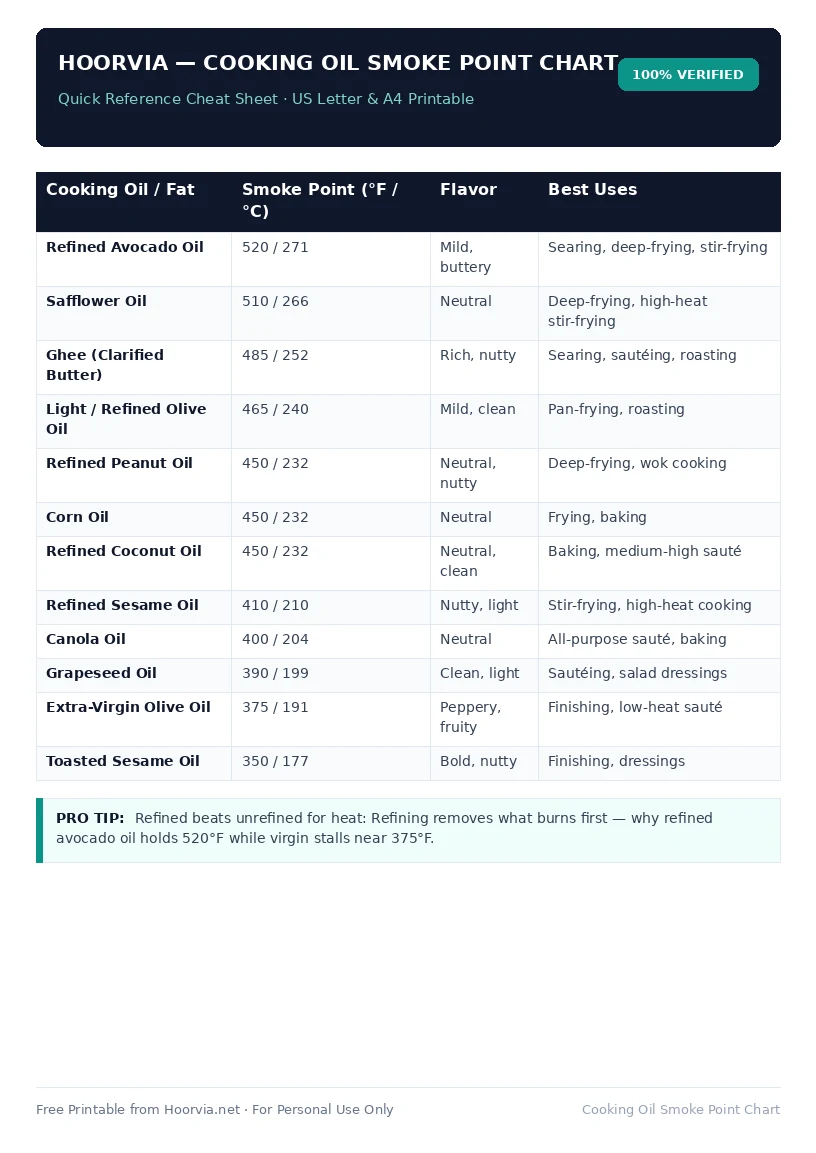
Download Your Free Printable Sheet
Download the printable PDF below. It is the same sheet shown in the preview above, ready to print on US Letter or A4 — open it and choose Print, with Scale set to Fit to Page.
💡 Pro Printing Tip: In your printer settings, set Scale to “Fit to Printable Area” and enable “Background Graphics” for color headers.