Baking Pan Size Conversion Chart: Printable Pan Substitutions
A recipe calls for a 9x13 pan and you own an 8-inch round — do you halve the batter, stretch the time, or just hope for the best? Guess wrong and you get a raw center or batter bubbling over onto the oven floor, because pan size controls depth, and depth controls how heat reaches the middle. Swapping pans only works when the volumes match, and the rule every baker knows — fill no pan more than two-thirds full — is hard to judge by eye across different shapes. This printable chart lists total volumes in cups for the twelve pans bakers actually own, from 6-inch rounds to standard muffin tins, with the best equivalent swap for each. One 9-inch round equals one 8x8-inch square; a 9x13 holds what two 9-inch rounds hold. Consult the live reference table below, or print the sheet and pin it above the mixing bowls.
Quick-Reference Table
The full data from this cheat sheet, right on the page.
| Pan | Dimensions | Batter Capacity (cups) | Best Swap |
|---|---|---|---|
| 6 in Round | 6 x 2 in | 4 cups | Two of these = one 8 in round |
| 8 in Round | 8 x 2 in | 6 cups | One 9 in round (slightly less batter) |
| 9 in Round | 9 x 2 in | 8 cups | One 8 x 8 in square — perfect swap |
| 8 x 8 in Square | 8 x 8 x 2 in | 8 cups | One 9 in round — perfect swap |
| 9 x 9 in Square | 9 x 9 x 2 in | 10 cups | One 10 in round or 11 x 7 in pan |
| 9 x 13 in Rectangle | 9 x 13 x 2 in | 14 cups | Two 9 in rounds (bakes ~5 min faster) |
| 9 x 5 in Loaf | 9 x 5 x 3 in | 8 cups | One 9 in round or 8 x 8 in square |
| 8 x 4 in Loaf | 8 x 4 x 2.5 in | 6 cups | One 8 x 8 in square, filled lower |
| 10-Cup Bundt | 10 x 3.5 in | 10 cups | Two 8 in rounds (12 cups total) |
| 12-Cup Muffin Tin | Wells 2 x 1.25 in | 3 cups (1/4 cup per well) | One 9 in round of batter makes 12 |
| 9 in Pie Plate | 9 x 1.25 in | 4 cups | One 8 x 8 in square, half batter |
| Jelly-Roll Pan | 15.5 x 10.5 x 1 in | 10 cups | One 9 x 13 in rectangle for bars |
How to Use This Chart
Pin this chart where you work: it packs 12 entries and 4 columns (Pan, Dimensions, Batter Capacity (cups), Best Swap) into one printable page, built for quick lookups.
Scan down the Pan column to your item, then read across for Dimensions, Batter Capacity (cups), Best Swap.
Example: for 6 in Round, the chart gives Dimensions of 6 x 2 in.
- Compare values down a single column to spot the pattern before you commit to a choice.
- When two rows look close, the last column usually breaks the tie.
- Print it once and keep it where you work — that's the whole point of a cheat sheet.
💡 Quick Tips
Match volume, not shape: An 8x8-inch square and a 9-inch round both hold 8 cups, so timing stays identical.
Never fill past two-thirds: The chart lists total rim-to-rim volume, not the safe fill level — rising batter needs headroom.
Watch depth when swapping: Deeper pans need more time; wider, thinner layers finish sooner.
Frequently Asked Questions
Can I use a 9-inch round instead of an 8x8-inch square?
Yes — this is the perfect substitution. Both hold 8 cups, so use the same amount of batter and the same oven time. The slice shapes come out round instead of square, and everything else is identical.
What if my pan is smaller than the recipe calls for?
Scale the batter down to two-thirds of the pan's total volume, or bake the overflow separately as cupcakes. Forcing a full batch into a small pan overflows and leaves a raw center.
Do baking times change when I swap pan sizes?
Yes. Thinner, wider pans bake faster and deeper, narrower pans bake slower. Start checking 5 minutes early for wider pans and 5 to 10 minutes late for deeper ones, and judge doneness with a toothpick, not the clock.
Printable Sheet Preview
High-Contrast Layout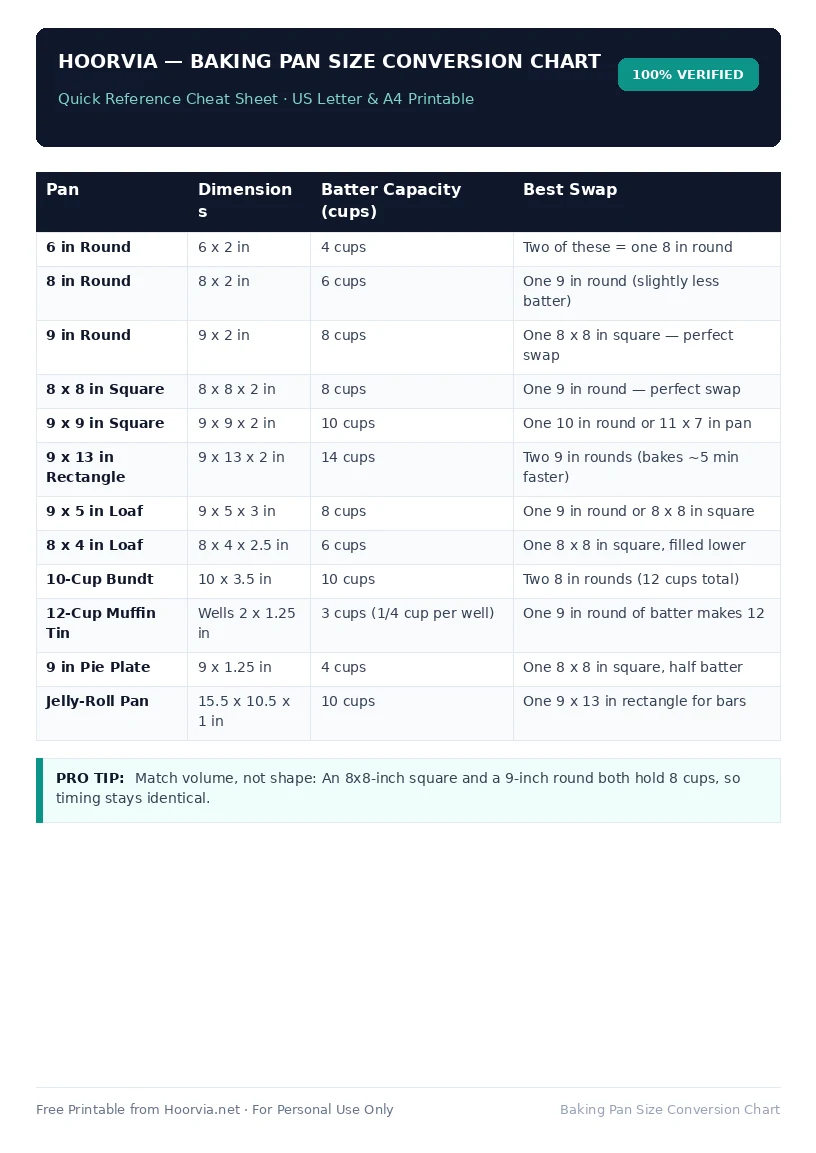
Download Your Free Printable Sheet
Download the printable PDF below. It is the same sheet shown in the preview above, ready to print on US Letter or A4 — open it and choose Print, with Scale set to Fit to Page.
💡 Pro Printing Tip: In your printer settings, set Scale to “Fit to Printable Area” and enable “Background Graphics” for color headers.