Sugar Quick Reference Guide
Authentic reference chart and data matrix for Sugar in Ingredient Swaps. Use the interactive table below or print it / save it as a PDF with the button below.
Quick-Reference Table
The full data from this cheat sheet, right on the page.
| Diagnostic Metric | Normal Fasting Range | Prediabetes Range | Diabetes Threshold | Testing Conditions |
|---|---|---|---|---|
| Fasting Plasma Glucose (FPG) | 70 – 99 mg/dL (3.9–5.5 mmol/L) | 100 – 125 mg/dL (5.6–6.9 mmol/L) | 126 mg/dL or higher (≥7.0 mmol/L) | No caloric intake for at least 8 hours |
| Oral Glucose Tolerance (OGTT) | Under 140 mg/dL (<7.8 mmol/L) | 140 – 199 mg/dL (7.8–11.0 mmol/L) | 200 mg/dL or higher (≥11.1 mmol/L) | Measured 2 hours after 75g oral glucose load |
| Hemoglobin A1C (Glycated) | Below 5.7% | 5.7% to 6.4% | 6.5% or higher (≥48 mmol/mol) | Reflects average blood sugar over preceding 2–3 months |
| Postprandial (2-hr after meal) | Under 140 mg/dL | 140 – 180 mg/dL (Diabetic target) | Over 180 mg/dL | Peak absorption window post-meal |
How to Use This Chart
Pin this chart where you work: it packs 4 entries and 5 columns (Diagnostic Metric, Normal Fasting Range, Prediabetes Range, Diabetes Threshold, Testing Conditions) into one printable page, built for quick lookups.
Scan down the Diagnostic Metric column to your item, then read across for Normal Fasting Range, Prediabetes Range.
Example: for Fasting Plasma Glucose (FPG), the chart gives Normal Fasting Range of 70 – 99 mg/dL (3.9–5.5 mmol/L).
- Compare values down a single column to spot the pattern before you commit to a choice.
- When two rows look close, the Testing Conditions column usually breaks the tie.
- Print it once and keep it where you work — that's the whole point of a cheat sheet.
Printable Sheet Preview
High-Contrast Layout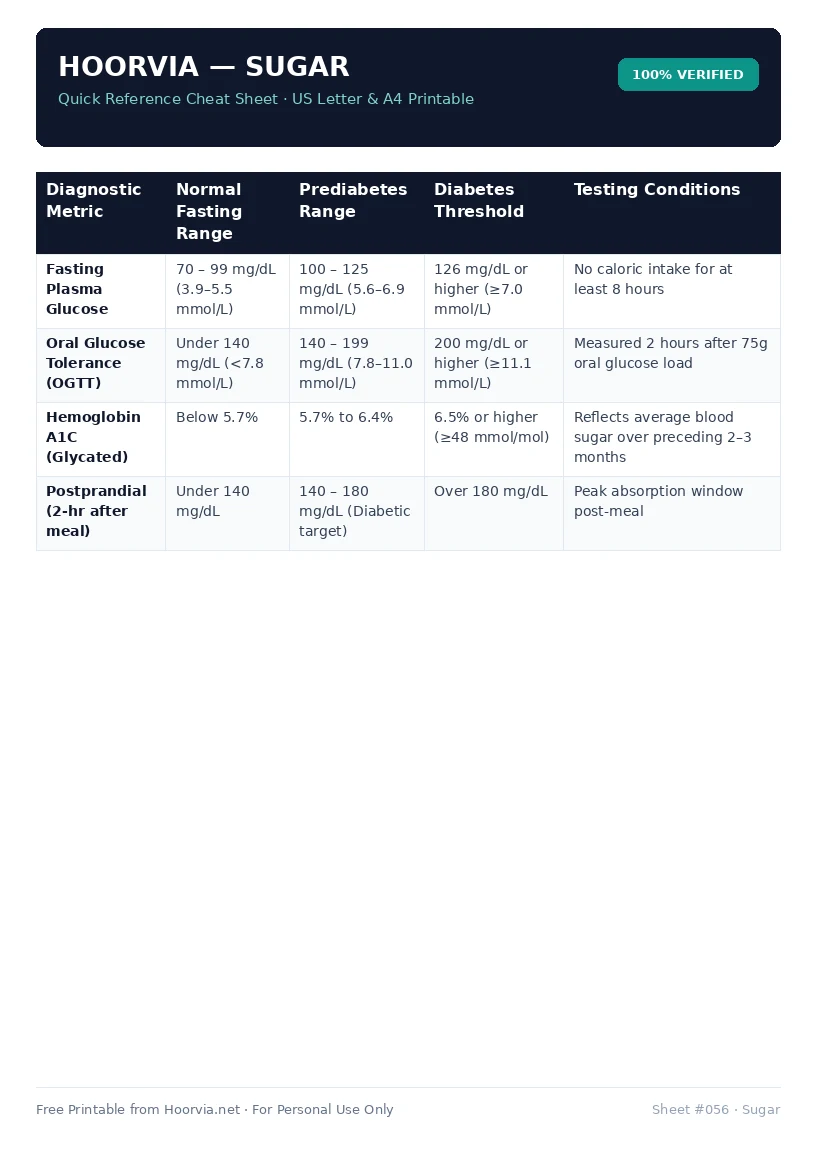
Download Your Free Printable Sheet
Download the printable PDF below. It is the same sheet shown in the preview above, ready to print on US Letter or A4 — open it and choose Print, with Scale set to Fit to Page.
💡 Pro Printing Tip: In your printer settings, set Scale to “Fit to Printable Area” and enable “Background Graphics” for color headers.