Tire Rotation Pattern Quick Reference Guide
Authentic reference chart and data matrix for Tire Rotation Pattern in Car Maintenance Log & Care. Use the interactive table below or print it / save it as a PDF with the button below.
Quick-Reference Table
The full data from this cheat sheet, right on the page.
| Maintenance Item / Fluid | Service Interval (Mileage / Time) | Specification / Metric | Inspection Procedure | Warning Signs of Failure |
|---|---|---|---|---|
| Engine Oil & Filter (Synthetic) | 7,500 – 10,000 Miles (or 12 Months) | API SP / ILSAC GF-6 (0W-20 / 5W-30) | Check dipstick when cold on level ground; amber to light brown | Dark black gritty fluid, low oil pressure light, engine ticking |
| Tire Rotation & Pressure | 5,000 – 7,500 Miles / Monthly Check | Cold PSI per driver door jamb plaque (typically 32–36 PSI) | Inspect tread depth with penny (Lincoln head > 2/32") | Uneven shoulder wear, steering vibration at highway speed |
| Brake Pads & Rotors | 30,000 – 50,000 Miles | Minimum pad thickness: 3–4 mm (replace at 2 mm) | Visual inspection through wheel spokes; check rotor lip | High-pitched squealing, grinding noise, soft spongy brake pedal |
| 12V Lead-Acid / AGM Battery | Inspect annually; replace every 3–5 years | Resting voltage: 12.6V+ (100%), 12.4V (75%), <12.0V (Discharged) | Multimeter check engine off; inspect terminals for white corrosion | Slow engine crank, flickering dash lights, clicking starter |
| Engine Coolant / Antifreeze | 50,000 – 100,000 Miles (or 5 Years) | 50/50 Distilled water & ethylene glycol mix (freeze point -34°F) | Inspect translucent expansion reservoir when completely cold | Sweet odor, cloudy/rusty fluid, engine temperature gauge spike |
| OBD2 Diagnostic Codes | Scan immediately upon CEL illumination | P0300 (Misfire), P0420 (Catalyst), P0171 (System Too Lean) | Connect OBD-II scanner to diagnostic port under driver dashboard | Flashing Check Engine Light (CEL) indicates catalyst-damaging misfire |
How to Use This Chart
Pin this chart where you work: it packs 6 entries and 5 columns (Maintenance Item / Fluid, Service Interval (Mileage / Time), Specification / Metric, Inspection Procedure, Warning Signs of Failure) into one printable page, built for quick lookups.
Scan down the Maintenance Item / Fluid column to your item, then read across for Service Interval (Mileage / Time), Specification / Metric.
Example: for Engine Oil & Filter (Synthetic), the chart gives Service Interval (Mileage / Time) of 7,500 – 10,000 Miles (or 12 Months).
- Compare values down a single column to spot the pattern before you commit to a choice.
- When two rows look close, the Warning Signs of Failure column usually breaks the tie.
- Print it once and keep it where you work — that's the whole point of a cheat sheet.
Printable Sheet Preview
High-Contrast Layout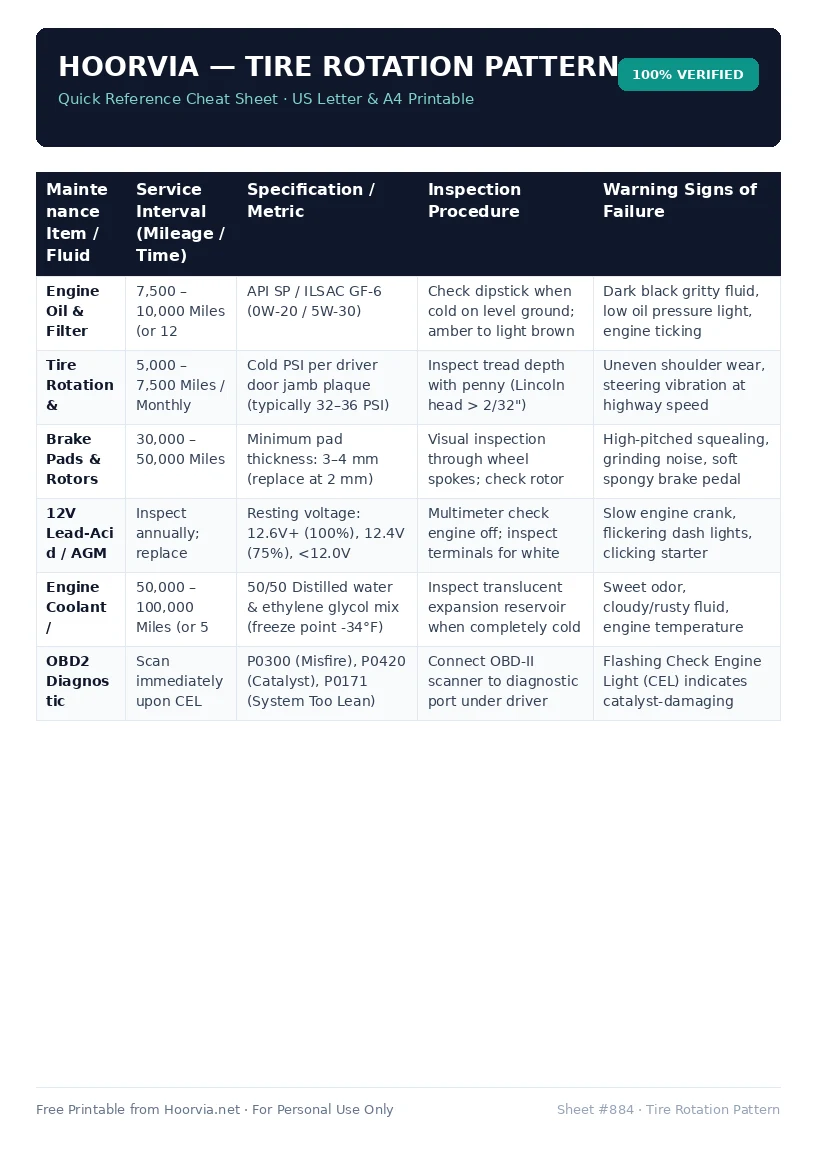
Download Your Free Printable Sheet
Download the printable PDF below. It is the same sheet shown in the preview above, ready to print on US Letter or A4 — open it and choose Print, with Scale set to Fit to Page.
💡 Pro Printing Tip: In your printer settings, set Scale to “Fit to Printable Area” and enable “Background Graphics” for color headers.