VLOOKUP Quick Reference Guide
Authentic reference chart and data matrix for VLOOKUP in Microsoft Excel. Use the interactive table below or print it / save it as a PDF with the button below.
Quick-Reference Table
The full data from this cheat sheet, right on the page.
| Function / Formula | Standard Syntax | Practical Use Case | Key Return Value / Error Guard |
|---|---|---|---|
| XLOOKUP | =XLOOKUP(lookup_val, lookup_arr, return_arr, [if_not_found], [match_mode]) | Bidirectional dynamic array lookup without column index | Returns matching cell; eliminates #N/A errors with fallback string |
| INDEX / MATCH | =INDEX(return_col, MATCH(lookup_val, lookup_col, 0)) | Robust 2D table lookups resilient to column insertions | Exact match reference; works left-to-right and right-to-left |
| SUMIFS | =SUMIFS(sum_range, criteria_range1, criteria1, [criteria_range2, criteria2]) | Multi-condition numerical aggregation | Sums all numeric cells satisfying all specified criteria filters |
| COUNTIFS | =COUNTIFS(criteria_range1, criteria1, [criteria_range2, criteria2]) | Multi-condition frequency counting | Integer count of matching records across multiple criteria arrays |
| QUERY (Google Sheets) | =QUERY(data, "SELECT A, B WHERE C > 100 ORDER BY B DESC", 1) | SQL-like data transformation and manipulation in spreadsheets | Returns dynamic array table filtered and ordered by SQL syntax |
How to Use This Chart
Pin this chart where you work: it packs 5 entries and 4 columns (Function / Formula, Standard Syntax, Practical Use Case, Key Return Value / Error Guard) into one printable page, built for quick lookups.
Scan down the Function / Formula column to your item, then read across for Standard Syntax, Practical Use Case.
Example: for XLOOKUP, the chart gives Standard Syntax of =XLOOKUP(lookup_val, lookup_arr, return_arr, [if_not_found], [match_mode]).
- Compare values down a single column to spot the pattern before you commit to a choice.
- When two rows look close, the Key Return Value / Error Guard column usually breaks the tie.
- Print it once and keep it where you work — that's the whole point of a cheat sheet.
Printable Sheet Preview
High-Contrast Layout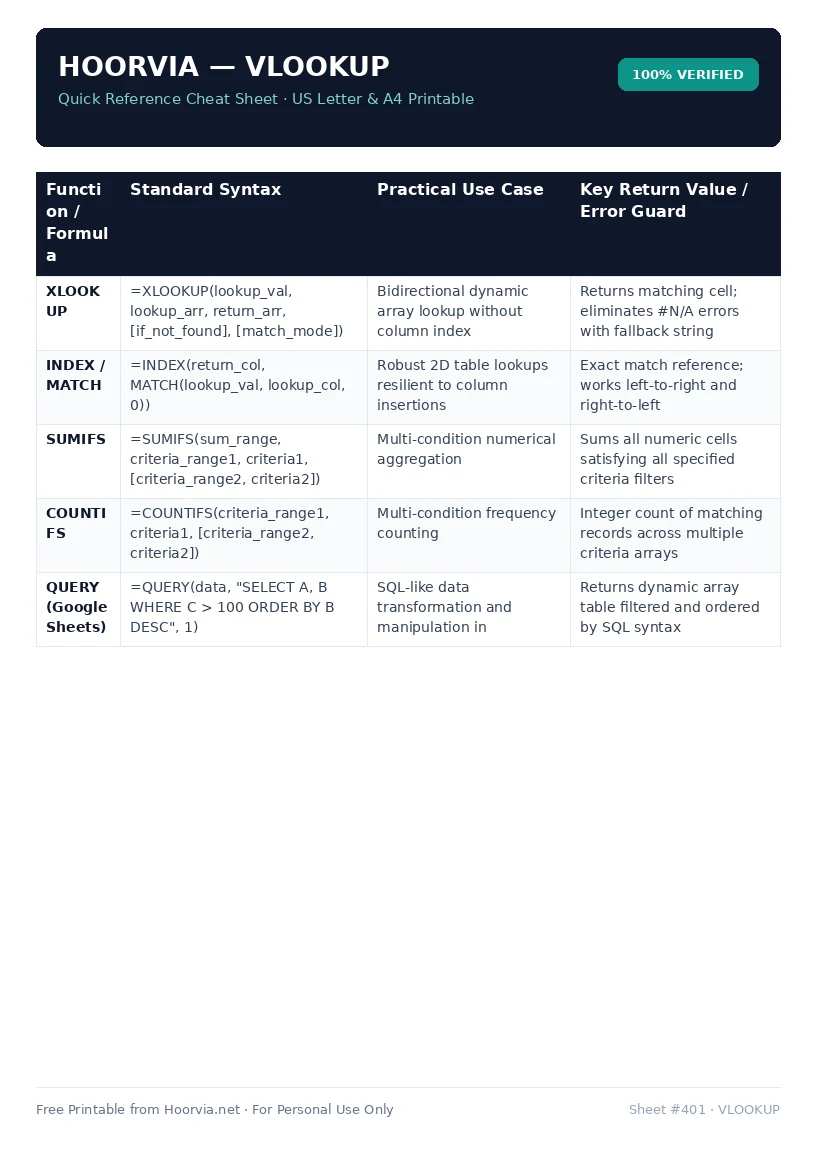
Download Your Free Printable Sheet
Download the printable PDF below. It is the same sheet shown in the preview above, ready to print on US Letter or A4 — open it and choose Print, with Scale set to Fit to Page.
💡 Pro Printing Tip: In your printer settings, set Scale to “Fit to Printable Area” and enable “Background Graphics” for color headers.