Meeting Checklist: Printable Productive Meetings Guide
The average professional loses hours every week to meetings that should have been emails. The problem is rarely the people — it is the absence of a checklist. Agendas arrive five minutes before start time, nobody knows who decides what, and the hour dissolves into discussion with no owner and no deadline. A printed meeting checklist fixes the structure once, and every meeting inherits it: prepare the goal and the invite list, run the room on time, and leave with decisions, owners, and dates. This checklist covers fourteen steps across before, during, and after — from sending the agenda a day early to publishing minutes within twenty-four hours. Consult the live reference table below before your next invite goes out, or print the sheet below and tape it next to your desk.
Quick-Reference Table
The full data from this cheat sheet, right on the page.
| Phase | Checklist Step | Why It Matters |
|---|---|---|
| Before | Define the decision or outcome | A meeting without a goal becomes a discussion club |
| Before | Invite only decision-makers | Every extra attendee doubles the length |
| Before | Send the agenda 24 hours early | Prepared people finish meetings faster |
| Before | Attach pre-reads and data | Decisions need facts, not hallway memories |
| Before | Book the room and test the tech | One dead laptop burns the first ten minutes |
| During | Start exactly on time | Latecomers adapt; punctuality gets rewarded |
| During | Assign a dedicated note-taker | Memory fades by lunch; minutes do not |
| During | Park off-topic items visibly | A parking lot keeps focus without losing ideas |
| During | Timebox every agenda item | Constraints force the real trade-offs to surface |
| After | End with decisions, owners, deadlines | Unowned actions never happen |
| After | Send minutes within 24 hours | Recall is freshest the same day |
| After | Log action items where work lives | Buried in chat means buried for good |
| After | Schedule the follow-up now | If it needs part two, book it before people leave |
| After | Audit: could this have been an email? | Kill the recurring meeting that adds nothing |
How to Use This Chart
Pin this chart where you work: it packs 14 entries and 3 columns (Phase, Checklist Step, Why It Matters) into one printable page, built for quick lookups.
Scan down the Phase column to your item, then read across for Checklist Step, Why It Matters.
Example: for Before, the chart gives Checklist Step of Define the decision or outcome.
- Compare values down a single column to spot the pattern before you commit to a choice.
- When two rows look close, the last column usually breaks the tie.
- Print it once and keep it where you work — that's the whole point of a cheat sheet.
💡 Quick Tips
Default to 25 Minutes: Book 25 or 50 minutes instead of 30 or 60 — the built-in buffer gets everyone to their next meeting on time.
No Agenda, No Meeting: Decline invites without a stated goal. It politely forces organizers to think before booking.
Decide Out Loud: Close with 'X will do Y by Friday.' Spoken commitments survive the walk back to the desk.
Frequently Asked Questions
How do I stop meetings from running over time?
Start on time, timebox each agenda item, and park off-topic points for later. Book 25 or 50 minutes instead of the full hour so the buffer absorbs overruns. The facilitator — not the loudest voice — owns the clock.
What should a meeting agenda include?
The decision or goal, each topic with an owner and timebox, pre-reads attached, and the decisions you need by the end. Send it at least 24 hours ahead so people arrive ready instead of discovering the topic in the room.
How soon should meeting minutes go out?
Within 24 hours, while the discussion is fresh and corrections are easy. Minutes need three things: the decisions made, each action item with an owner, and the deadline. Send them where the team already works.
Printable Sheet Preview
High-Contrast Layout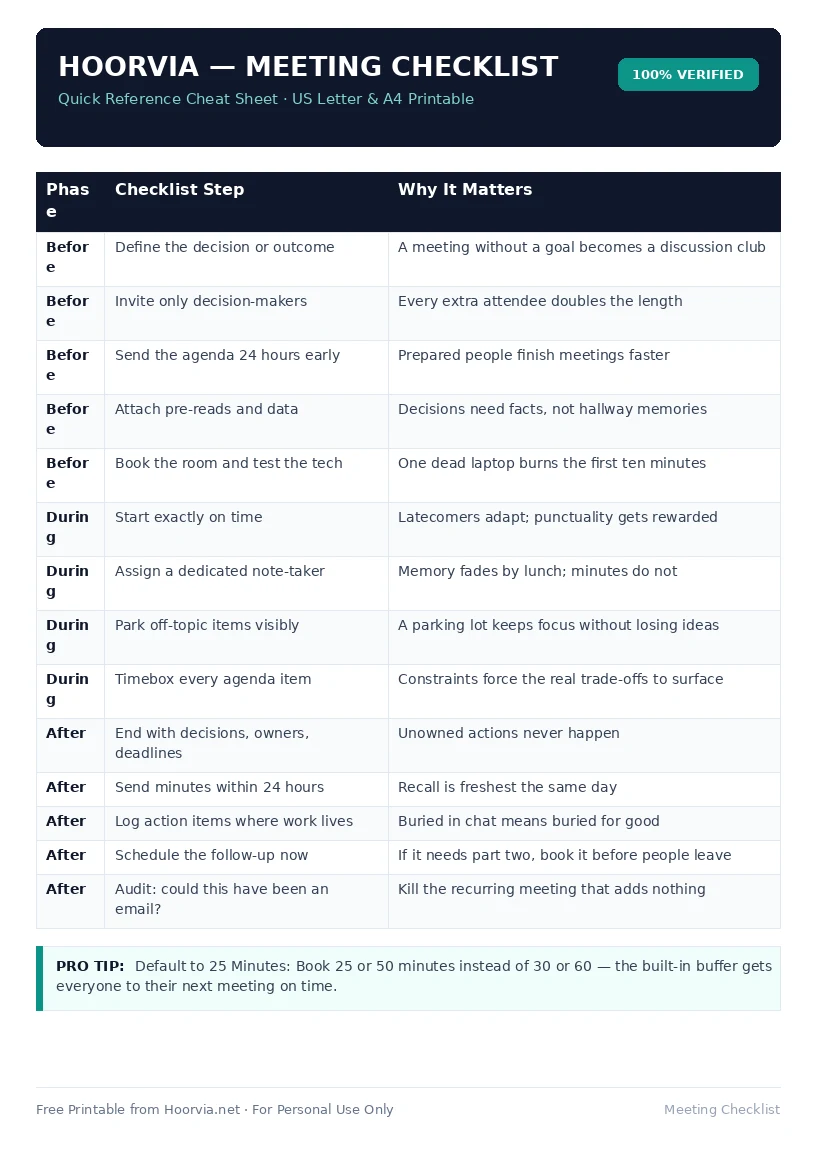
Download Your Free Printable Sheet
Download the printable PDF below. It is the same sheet shown in the preview above, ready to print on US Letter or A4 — open it and choose Print, with Scale set to Fit to Page.
💡 Pro Printing Tip: In your printer settings, set Scale to “Fit to Printable Area” and enable “Background Graphics” for color headers.